Viewstats AI Thumbnail Tool
Viewstats is a YouTube analytics and ideation platform for researching videos, titles, and thumbnail patterns. Start with a topic or visual reference, choose a cover style, and turn the strongest direction into a thumbnail for your next upload.
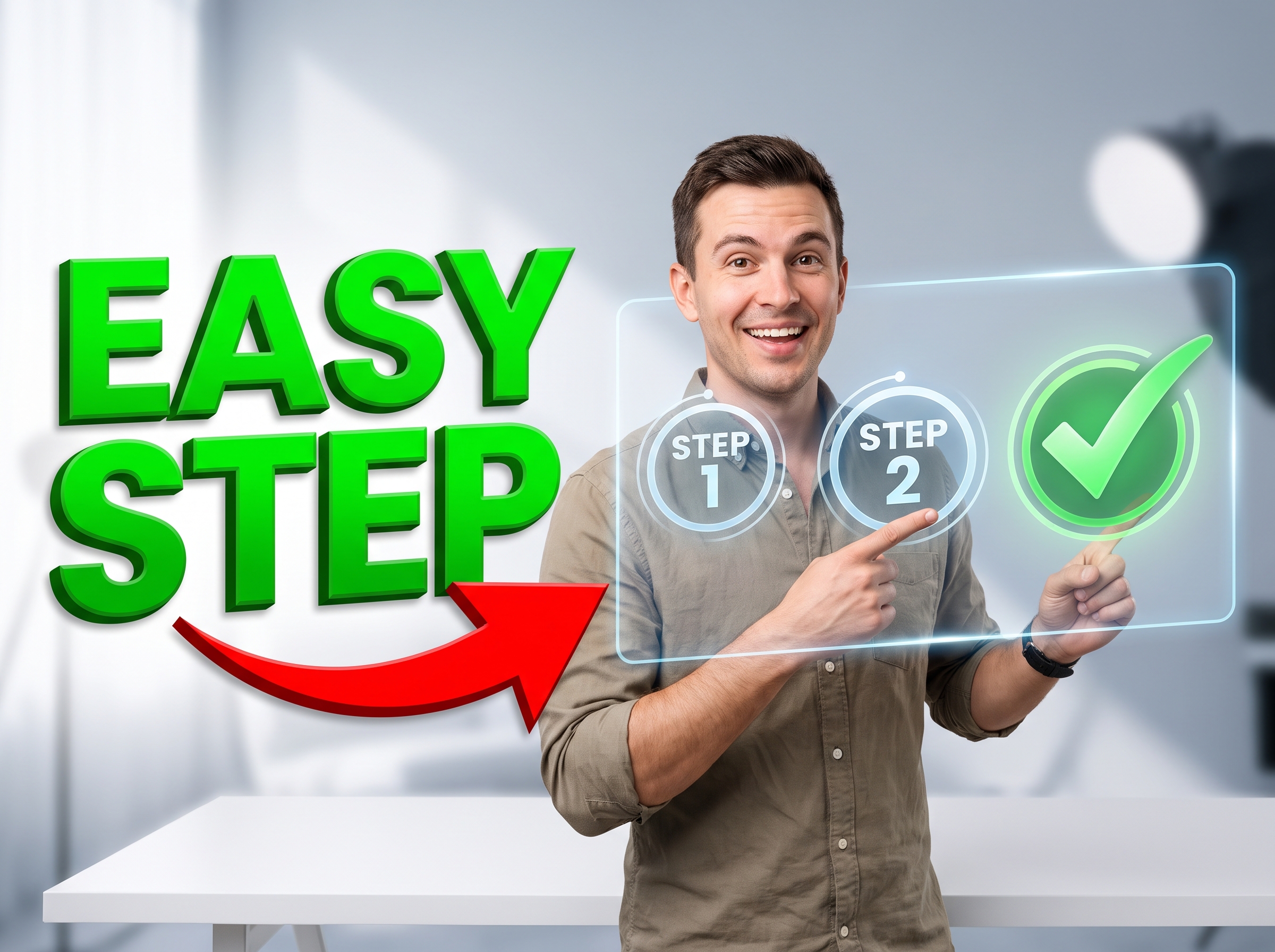
Start with your video link / raw image
Support png, jpeg, jpg, bmp, webp format image
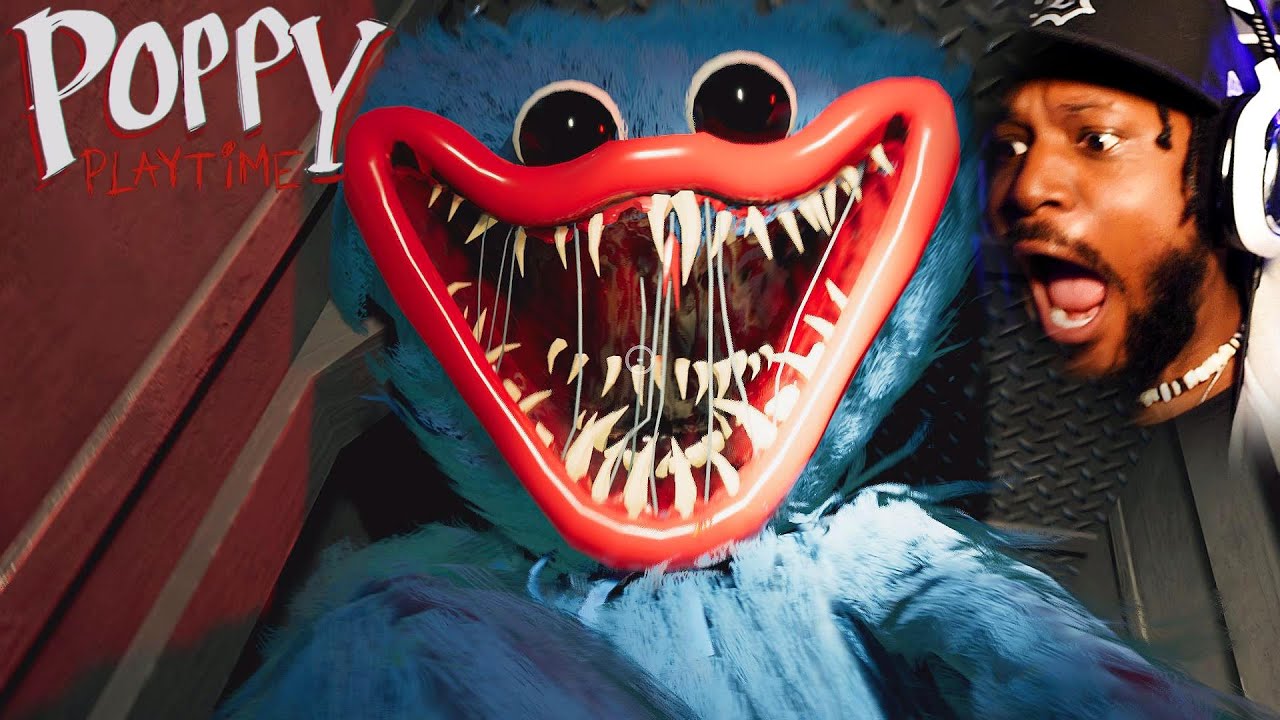
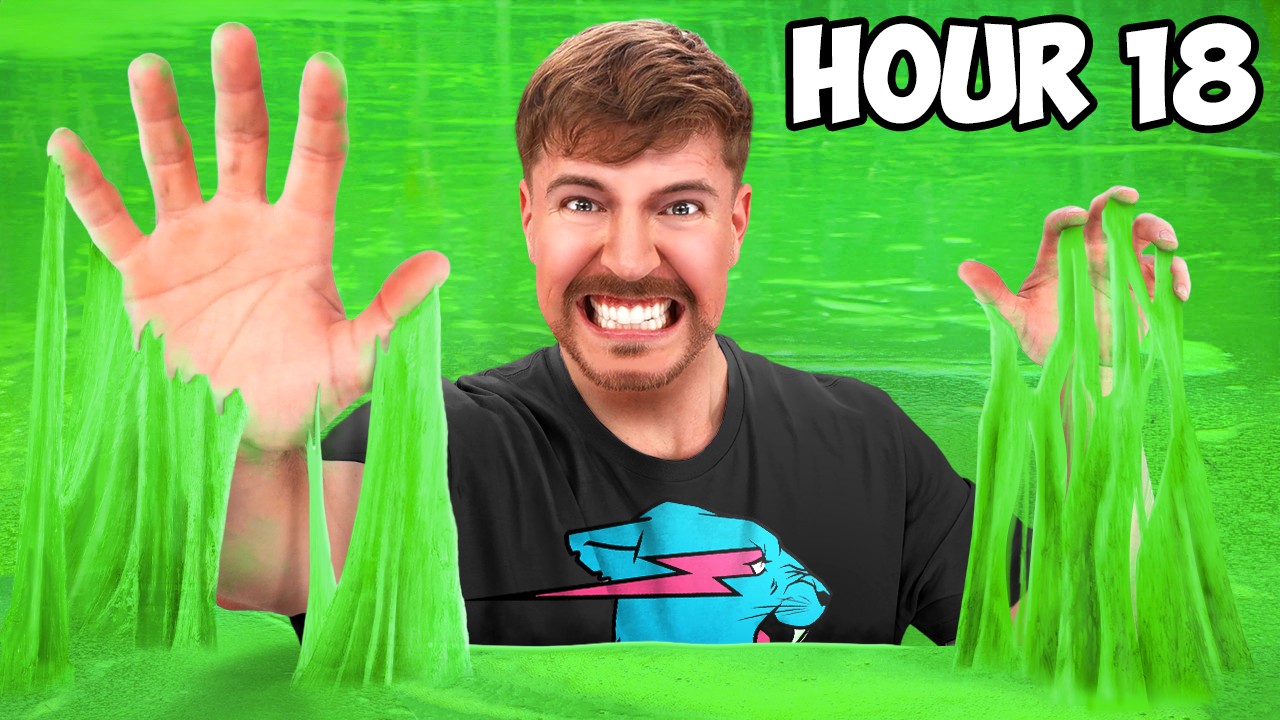
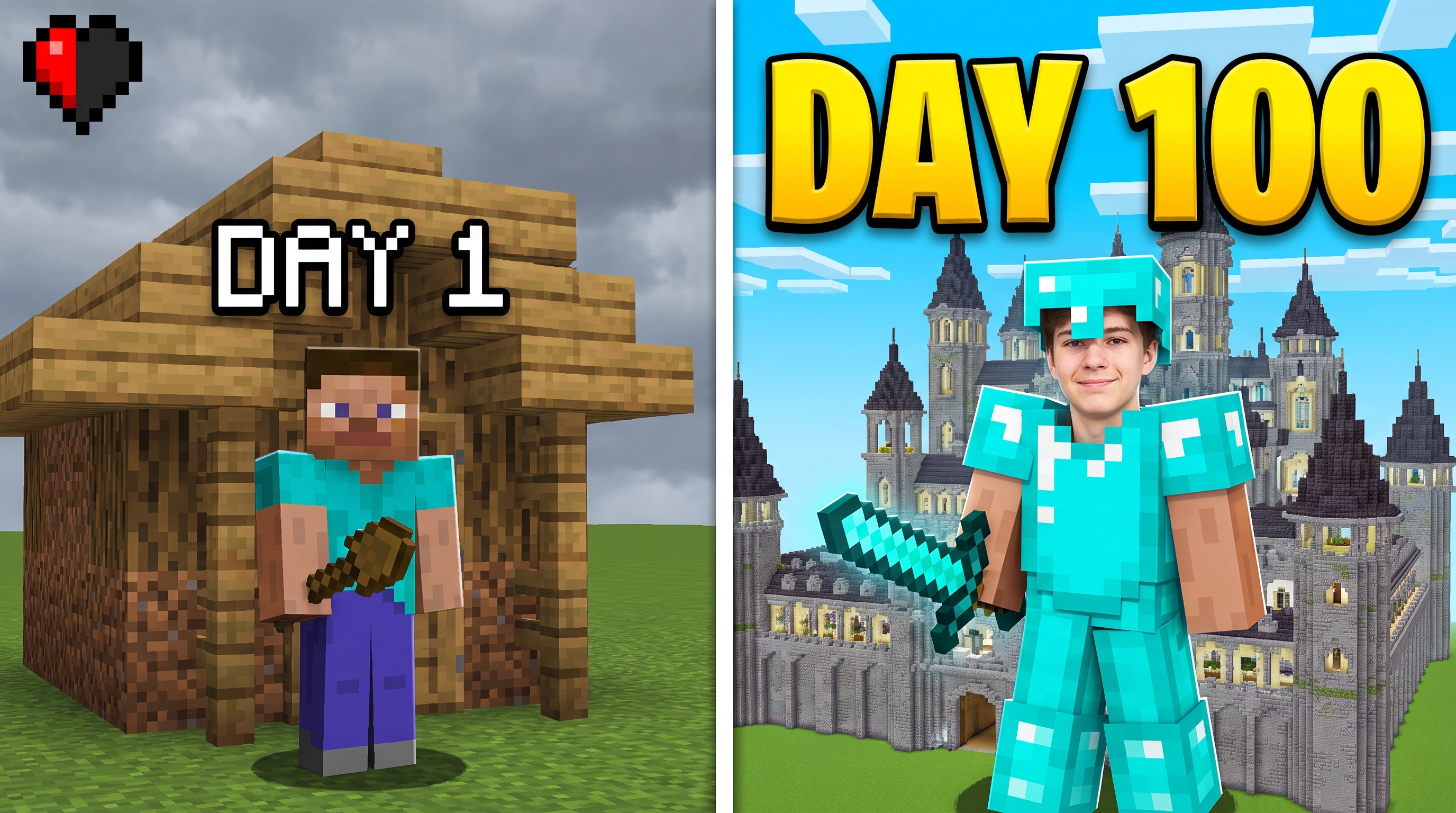
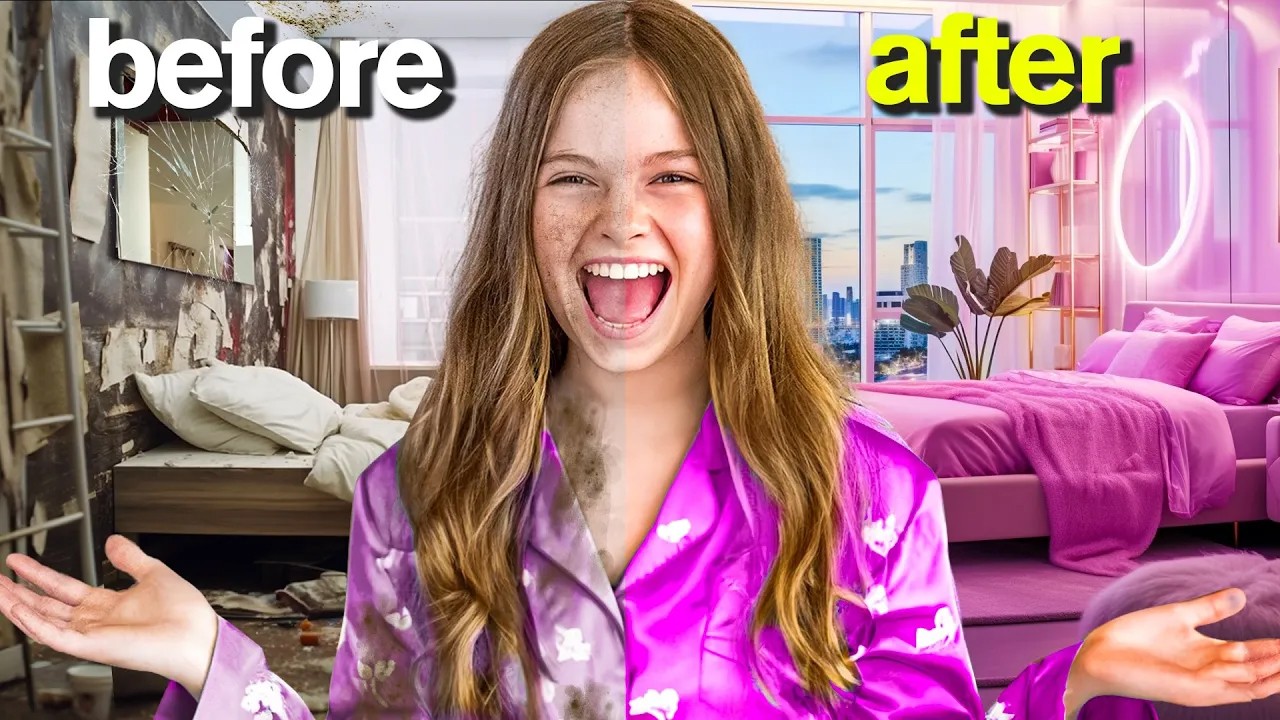
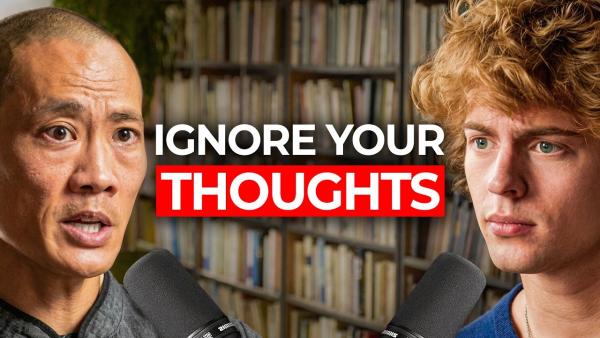

Plan Better Covers with Viewstats AI Thumbnail Insights
Use Viewstats to connect thumbnail research, template-ready ideas, and title-and-cover previews around one video concept.


Find a Visual Direction That Fits the Topic
Viewstats offers Thumbnail Search for exploring YouTube covers by keyword, video URL, or uploaded image. Search within the topic, then sort the results by similarity, outlier score, views, or recency to narrow the visual direction. Save useful references in Viewstats Collections so the next design begins with a focused brief.
Turn Research Into a Template-Ready Concept
Viewstats provides topic and performance context that can shape a clearer thumbnail concept. Choose a familiar layout such as a reaction, tutorial, comparison, or product-focused cover, then define the main subject, headline, and background treatment. Turn that brief into a new thumbnail in the creation workflow you prefer instead of reproducing one existing design.




Shape More Than One Cover Direction
Viewstats includes Collections and Ideation tools for organizing uploaded thumbnails and working titles. Add each completed cover to a title so the full video package can be reviewed in a YouTube-style layout. Compare alternate combinations in Viewstats before deciding which direction is ready to publish or test.
Turn Viewstats Thumbnail Ideas Into a Cover in 3 Steps
Move from YouTube research to a finished cover direction through one simple planning and creation flow.
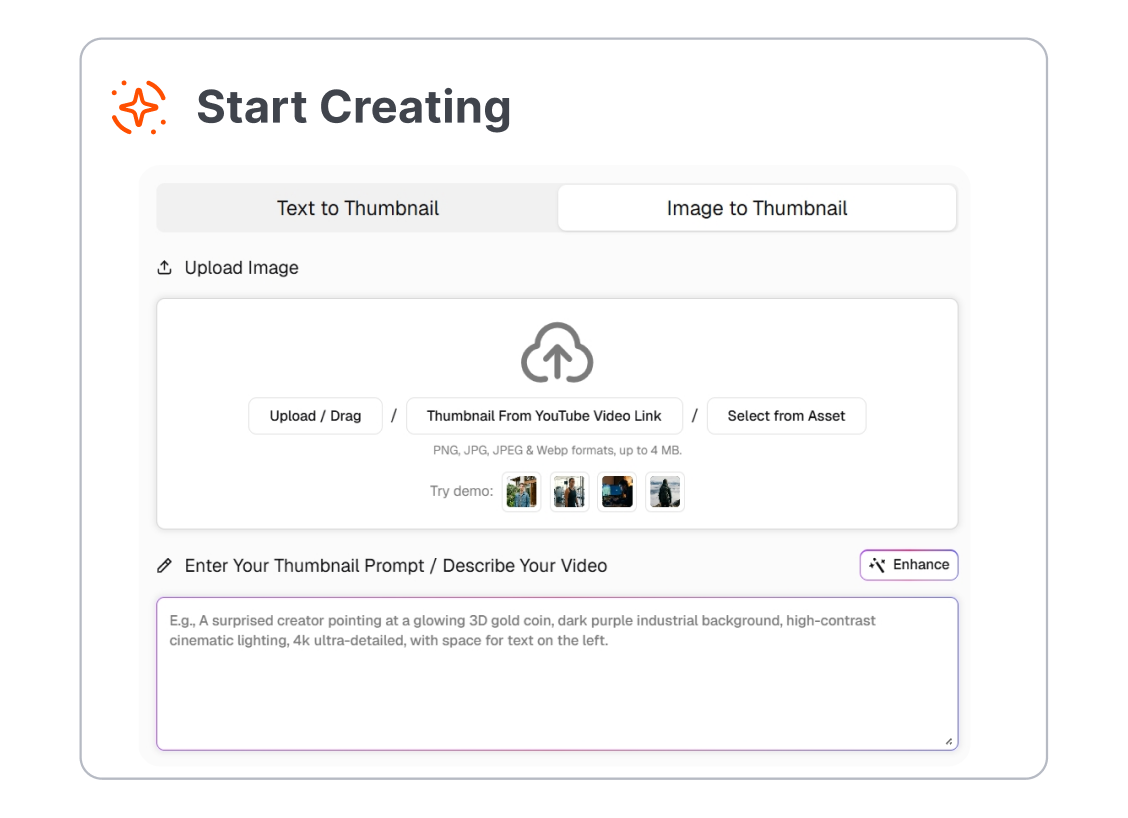
1. Research the Topic
Enter a keyword, video URL, or reference image in Viewstats Thumbnail Search. Review relevant covers and save the examples that best match the subject and audience.
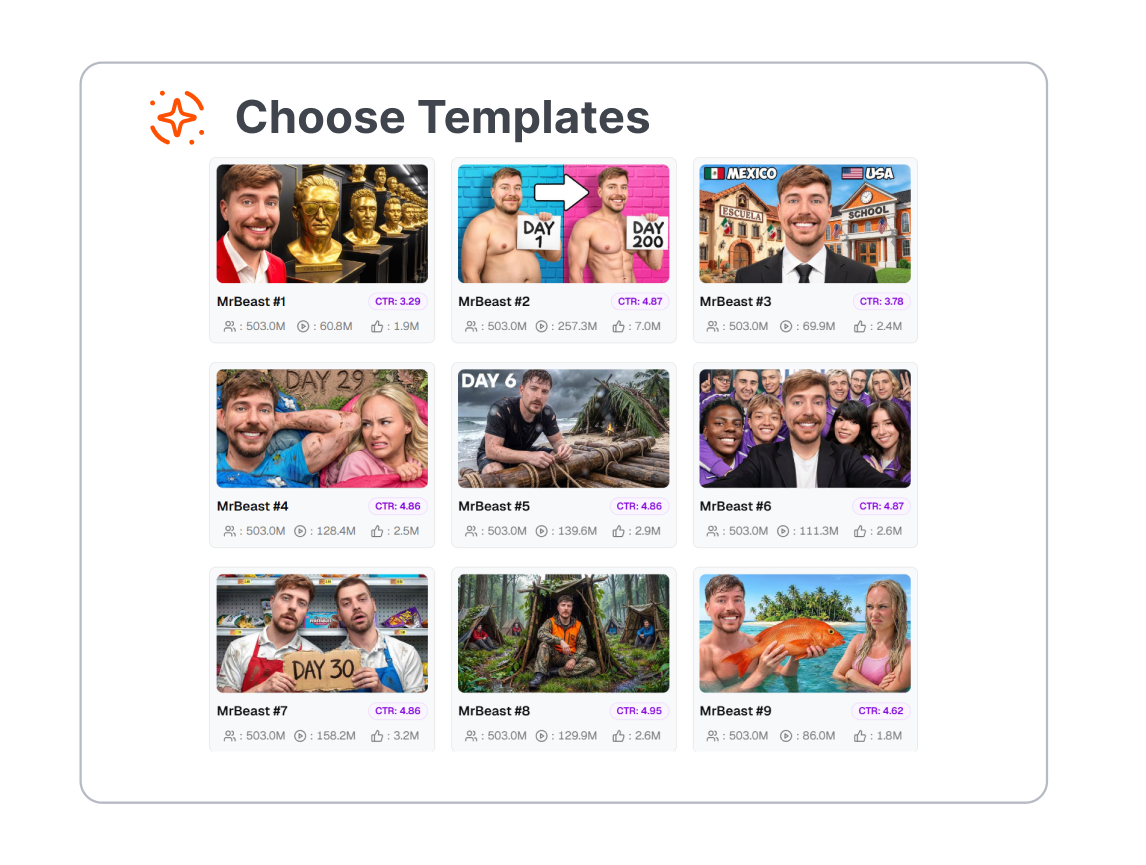
2. Choose a Template Direction
Select a layout that suits the video, such as a reaction, tutorial, gaming, podcast, or before-and-after thumbnail. Build a new cover around one focal subject, a short headline, and a clear visual hierarchy.
3. Preview the Full Package
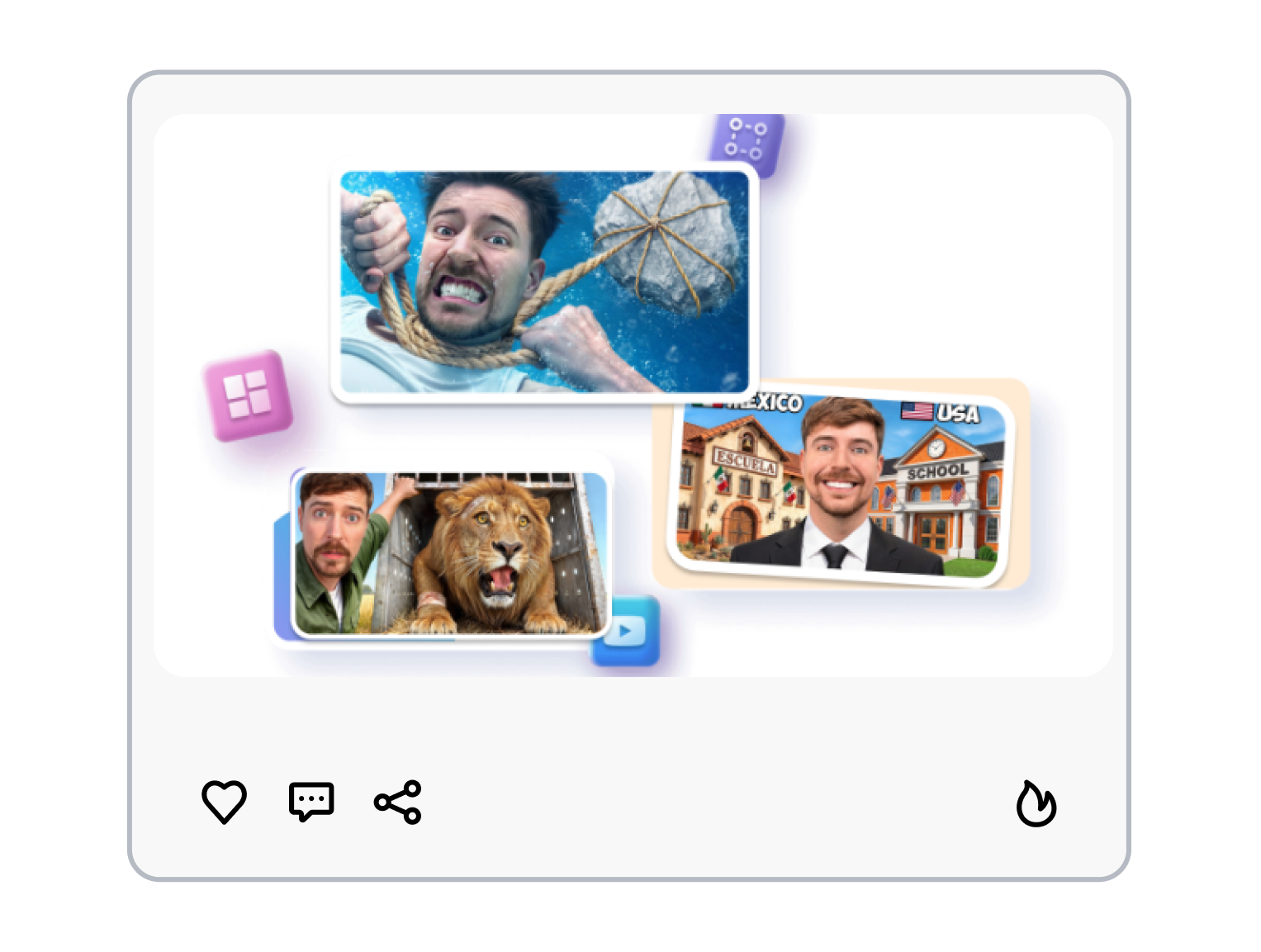
Upload the completed thumbnail to a Viewstats Collection and pair it with a working title. Save and compare several combinations before choosing the version to publish or test.
Viewstats Thumbnail Ideas for Every Creative Workflow
Use Viewstats research to shape thumbnail concepts for individual uploads, recurring video series, client work, and channel campaigns.
YouTube Creators
Explore visual patterns around the next video topic before opening a design tool. Turn the strongest references into an original cover direction that fits the channel and message.
Thumbnail Designers
Use keyword, URL, and image searches to build a more focused creative brief. Keep references, draft covers, and title ideas organized while a design moves through review.
Channel Strategists
Study outlier videos and recurring thumbnail patterns across a niche. Connect those findings to new title-and-cover combinations for upcoming content.
Agencies and Teams
Organize thumbnail research for multiple creators, campaigns, or recurring series. Compare several packaging directions before presenting a recommendation or sending a cover for approval.
FAQs
What is Viewstats AI Thumbnail Tool?
Can Viewstats make a thumbnail?
How do I find thumbnail ideas in Viewstats?
Can I search with an image?
Does Viewstats have thumbnail templates?
Can I compare titles and thumbnails?
What is a useful alternative to Viewstats for thumbnail creation?
Looking for Another Option? Explore Thumbs.ai as a Viewstats Alternative.
Explore Thumbs.ai to turn text, images, or YouTube links into thumbnail images, create reusable variations, and refine each design in a thumbnail-focused workspace.