vidIQ Thumbnail Generator
vidIQ is a YouTube growth platform with a thumbnail generator for creating and refining video cover images. Start with a video or written brief, add a reference image when the subject or style matters, and refine the generated thumbnail in the editor.

Start with your video link / raw image
Support png, jpeg, jpg, bmp, webp format image


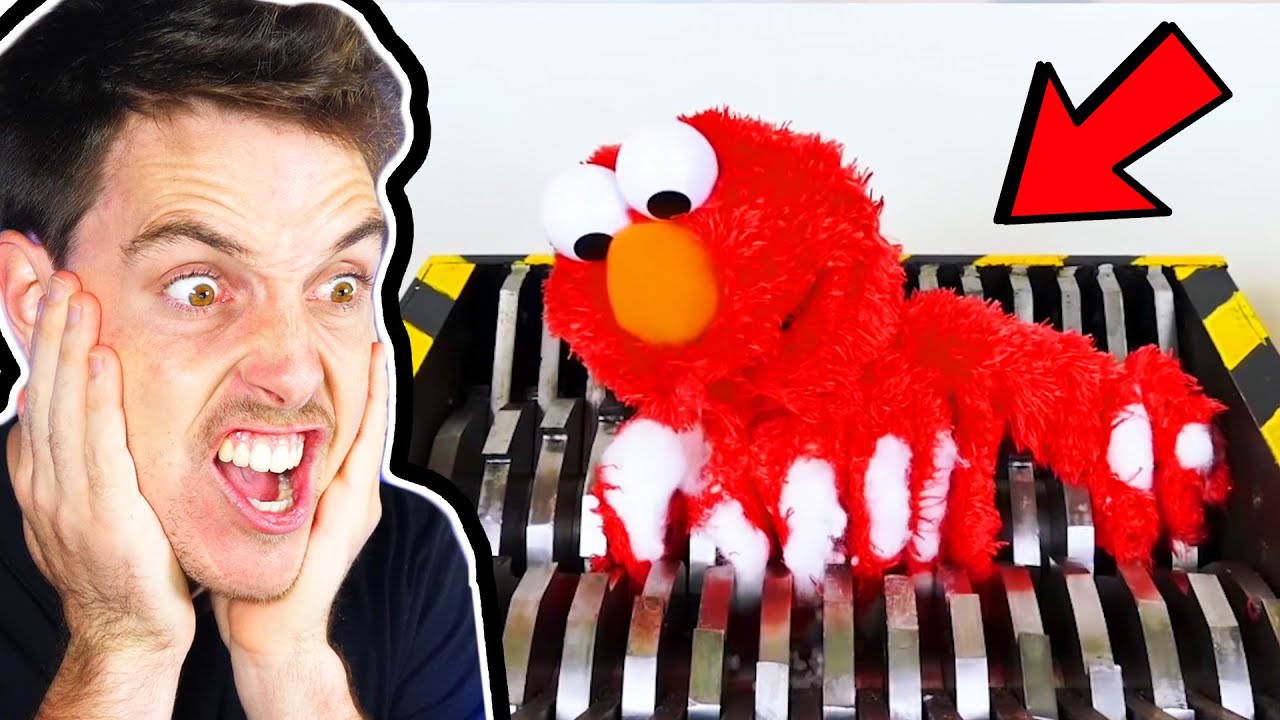
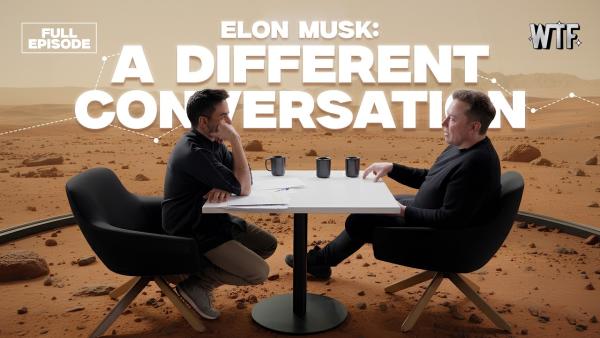

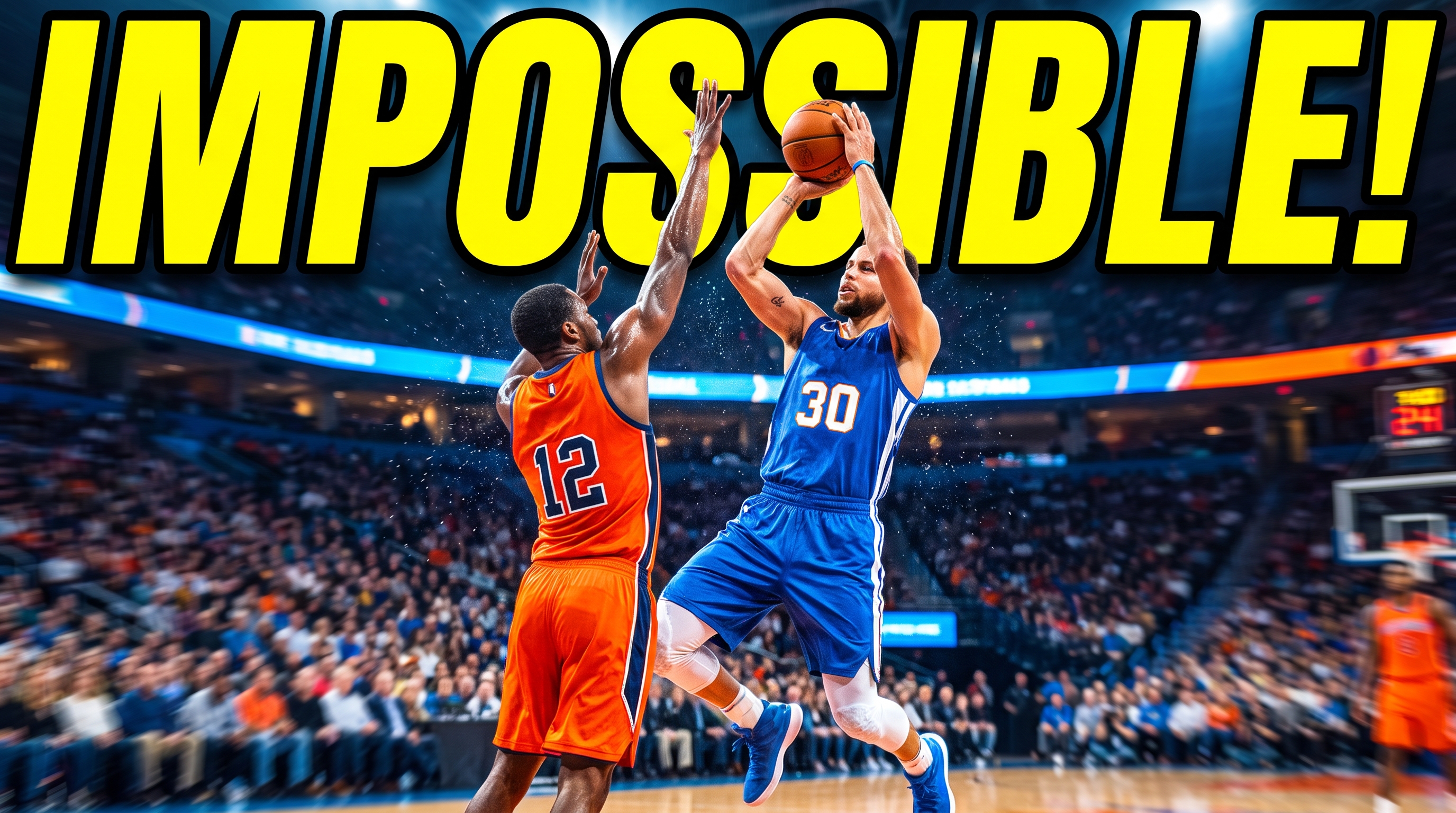
Create From More Sources with vidIQ Thumbnail Maker
vidIQ combines source-based generation, reference controls, and post-generation editing in one thumbnail workflow.


Build From the Video Itself
Upload a video to vidIQ, paste a public or unlisted YouTube link, or describe the thumbnail in plain language. Use the vidIQ AI thumbnail generator to create one concept around the subject and message. Begin with a generated direction instead of arranging every element on a blank canvas.
Keep the Subject and Style in View
vidIQ allows a clear face, object, or product image to be attached before generation to guide the main subject. Add reference thumbnails to guide the palette, composition, and energy without reusing their specific content. Apply Face Swap after generation when a selected design needs a different face.




Refine the Result Without Restarting
vidIQ includes controls for changing text, fonts, images, stickers, and colors after generation. Smart Commands let you request a focused change, while undo and redo help you return to an earlier version. Regenerate or edit the thumbnails with vidIQ AI, then download in seconds.
Download an Existing YouTube Thumbnail
vidIQ also provides a separate thumbnail downloader for saving cover images from public YouTube videos. Paste a video, Shorts, or live-stream link and choose an available size up to 1280 × 720. Download the JPG for research or reference, then return to the maker when you want to build a new design.


How to Use the vidIQ Thumbnail Generator in 3 Steps
Move through vidIQ from one clear starting point to a generated thumbnail that can be reviewed and refined before download.
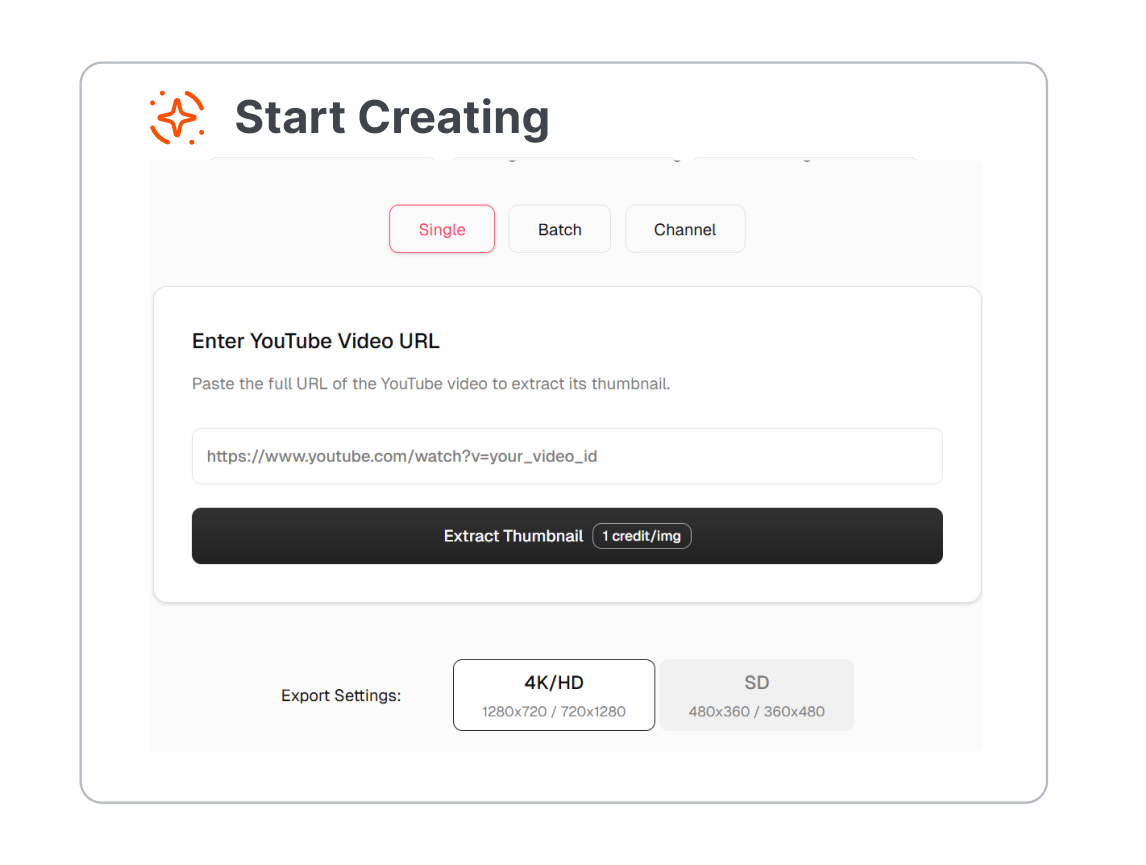
1. Add a Video, Link, or Brief
Open the vidIQ thumbnail maker and upload a video, paste a YouTube URL, or describe the visual you want. Keep the brief focused on one subject, one emotion, and a short line of thumbnail text.
2. Attach the Key Visuals
Add a clear JPEG or PNG image when the thumbnail needs a specific face, object, product, or logo. Include a reference thumbnail when you want to guide the style or composition.
3. Generate, Review, and Refine
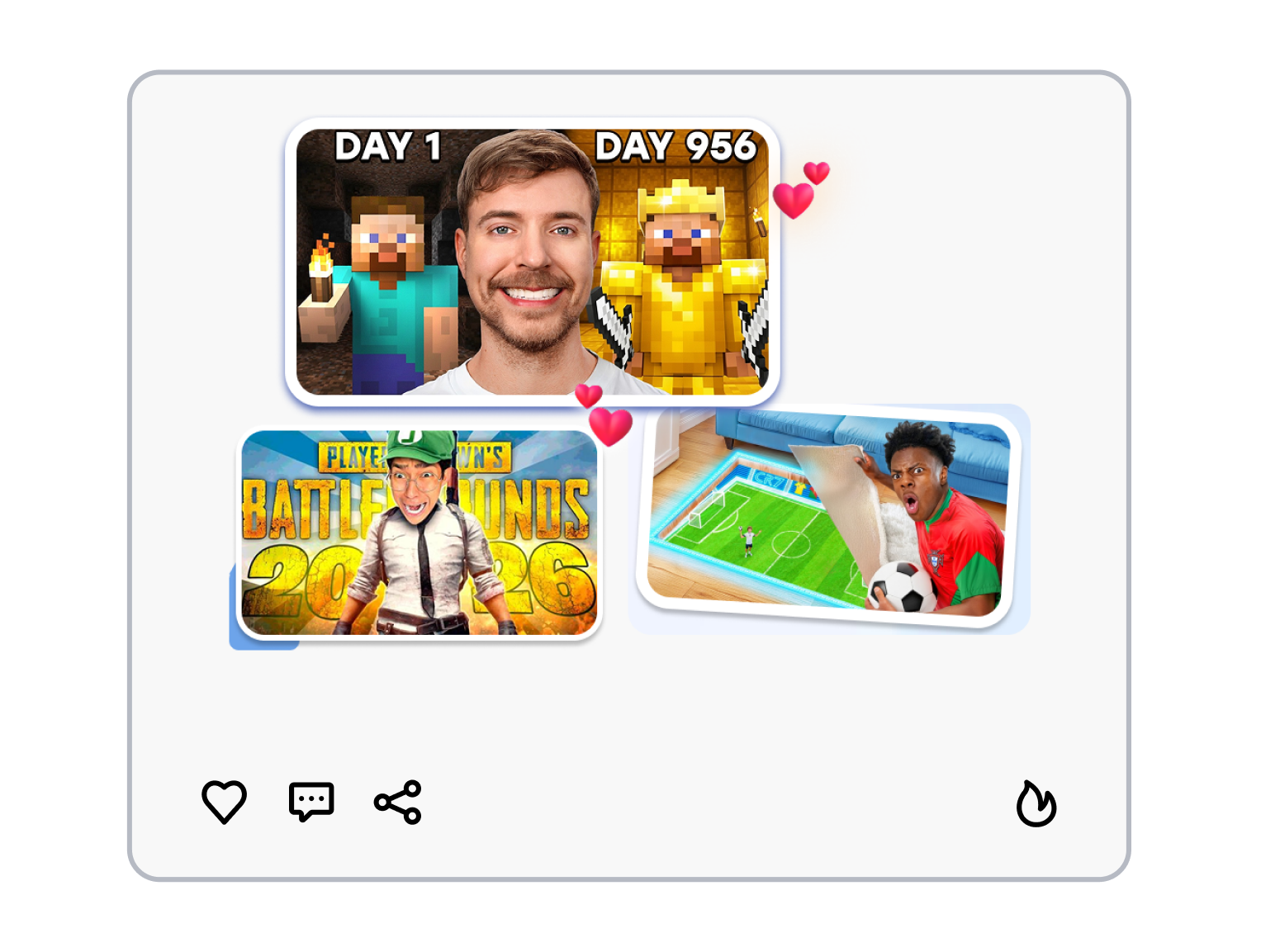
Create a thumbnail in vidIQ and check whether the subject, message, and text match the video. Adjust the result with editor controls, Smart Commands, or Face Swap, then download the version you want to use.
Who Uses the vidIQ Thumbnail Generator?
Use vidIQ to develop YouTube thumbnail directions for different channel formats, production stages, and publishing routines.
YouTube Creators
Turn an uploaded video or finished YouTube link into a thumbnail starting point. Refine the headline, subject, and supporting visuals before the next upload.
Gaming Channels
Start from gameplay footage, a selected frame, or a current gaming template. Add the character, reaction, rank, or match moment that explains the video at a glance.
Review and Tutorial Channels
Keep a product, tool, lesson, or before-and-after result as the central visual. Use a reference and short text brief to make the topic easier to understand at preview size.
Recurring Series Channels
Reuse a consistent visual brief and reference set across episodes, interviews, or weekly uploads. Compare generated directions before choosing the one that fits the latest topic.
FAQs
Can vidIQ generate YouTube thumbnails?
How does the vidIQ thumbnail generator work?
Can I upload my own video and images to vidIQ thumbnail maker?
Can I use a reference thumbnail or my own face?
Can I edit a thumbnail after it is generated?
Can vidIQ thumbnail downloader grab an existing YouTube thumbnail?
What is an alternative to vidIQ for making thumbnails?
Looking for Another Option? Explore Thumbs.ai as a vidIQ Alternative.
Explore Thumbs.ai to build thumbnail variations from text prompts, uploaded images, or YouTube links. Use its reference, template, and face-focused workflows for creating video covers for free today!