Canva Thumbnail Maker
Canva is an online visual design platform whose thumbnail maker helps creators build and edit video cover images. Use Canva to turn a video snapshot, photo, template, or written idea into a custom thumbnail.
Start with your video link / raw image
Support png, jpeg, jpg, bmp, webp format image

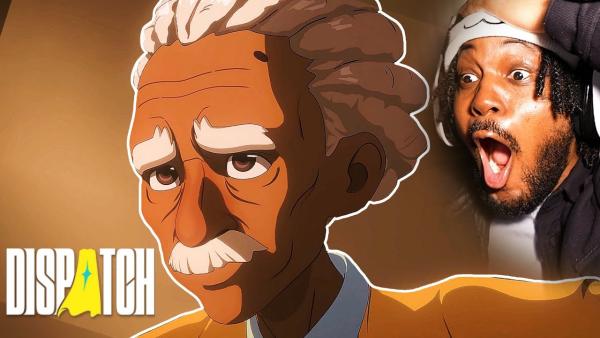
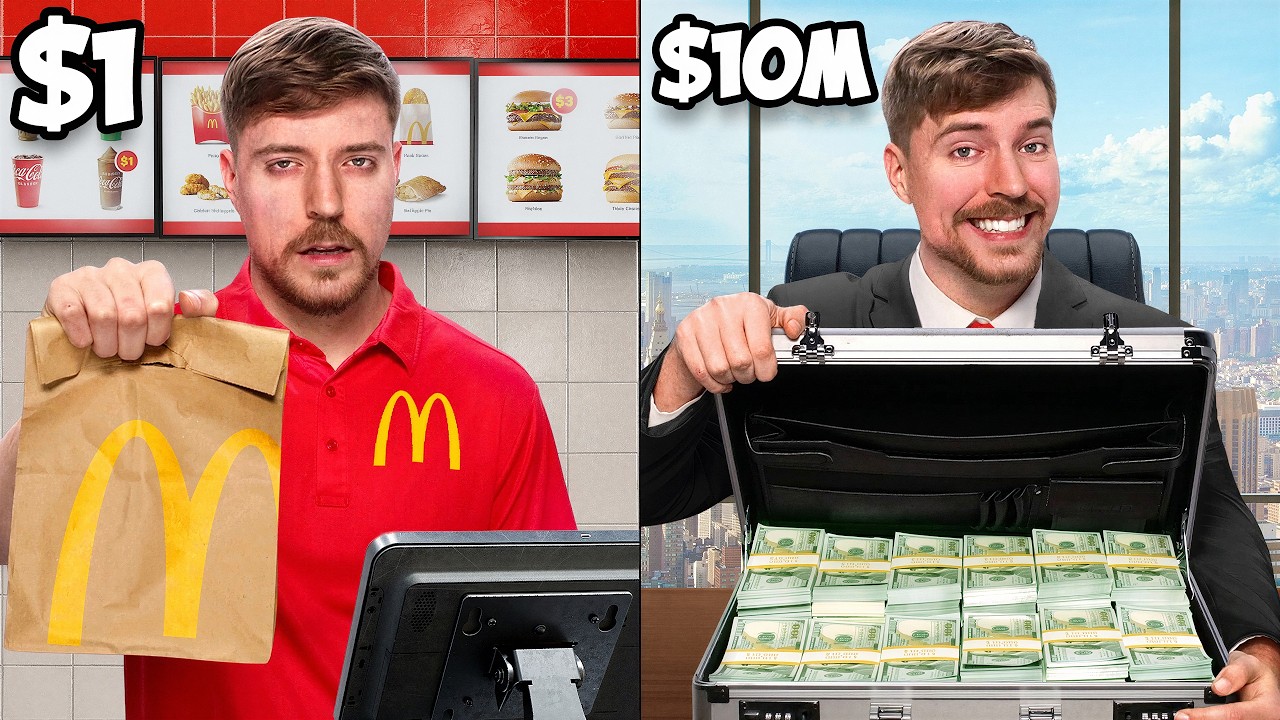
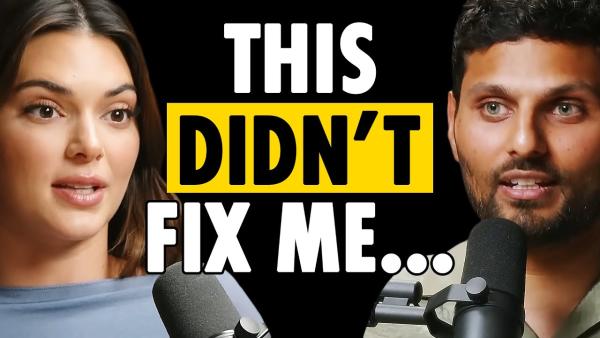
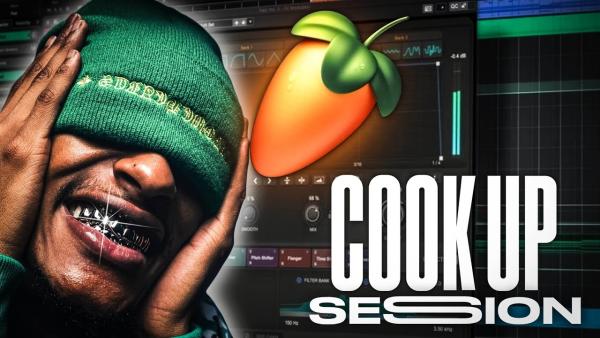
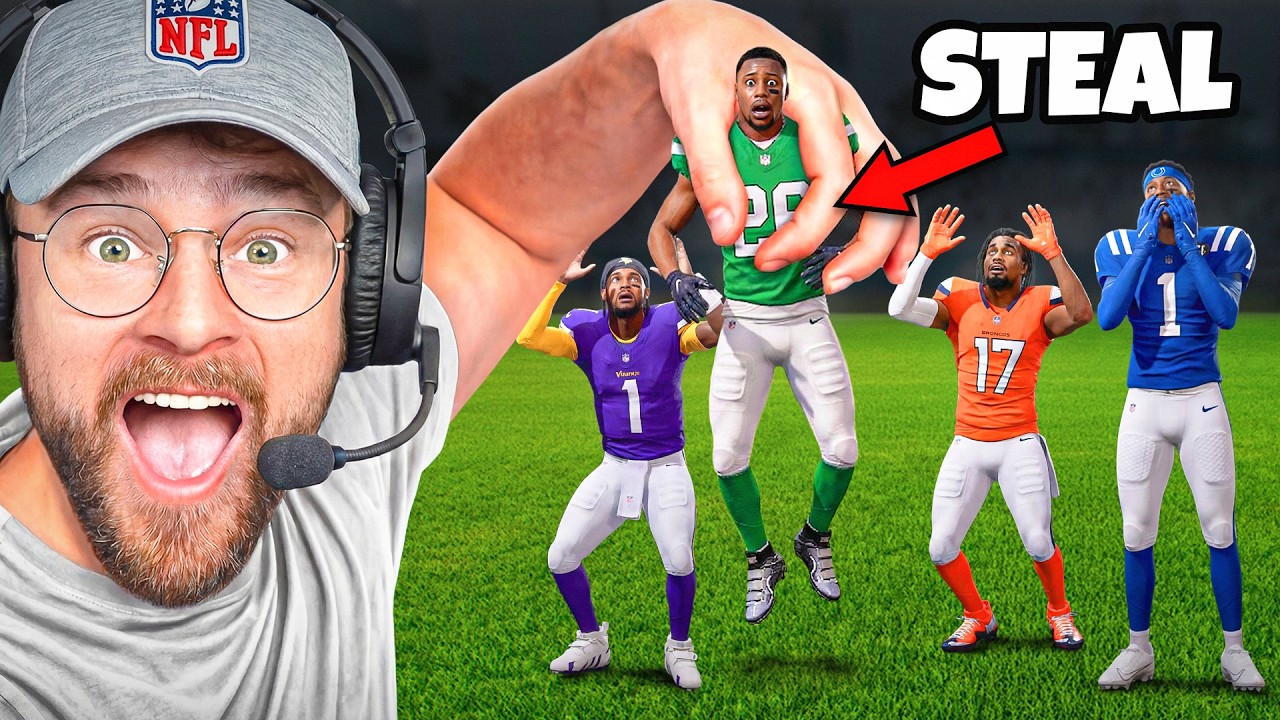
Canva Thumbnail Maker: Build Every Thumbnail Around Your Video
Bring Canva templates, AI-generated ideas, and editing controls together to shape each cover around its topic and visual identity.
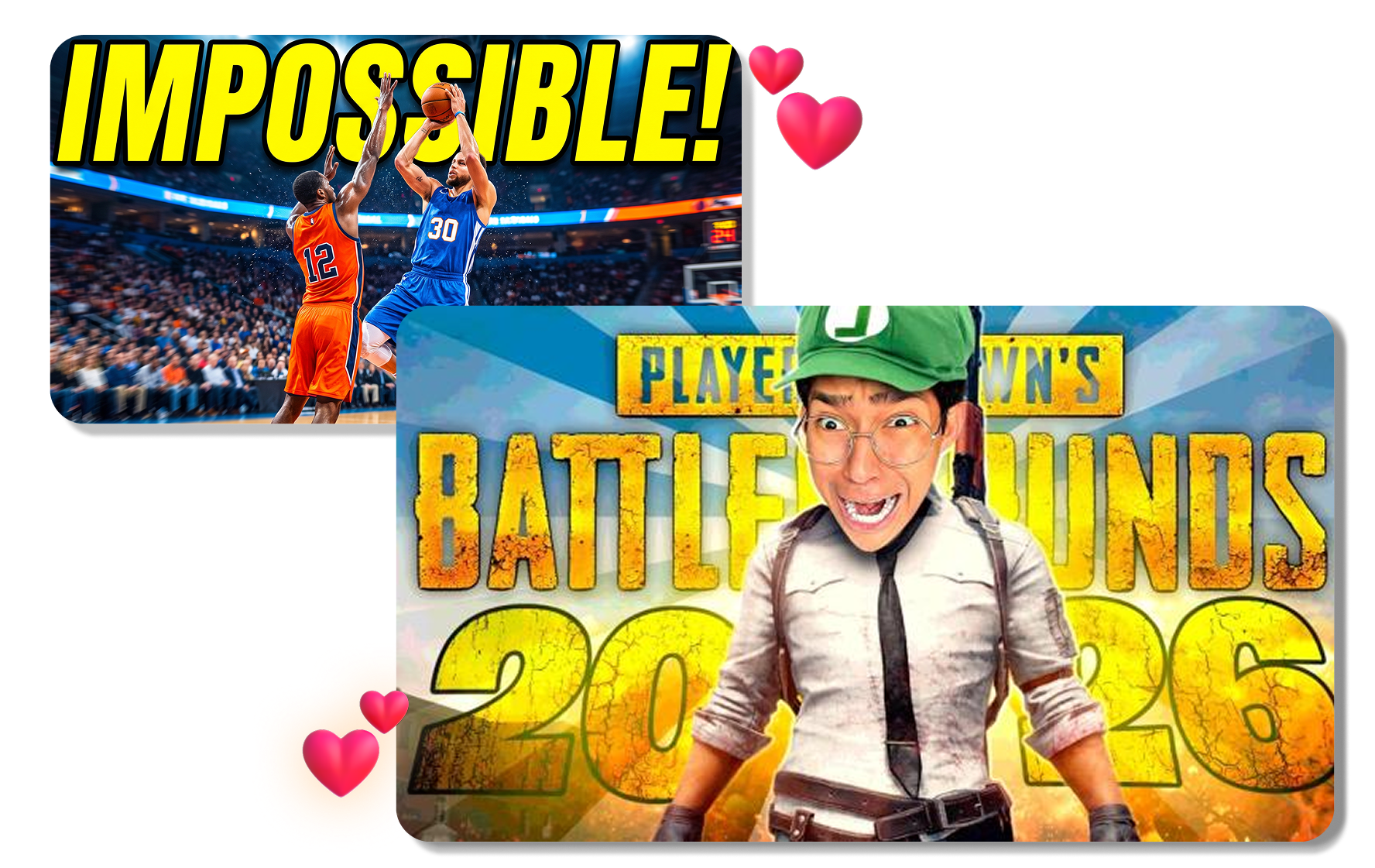
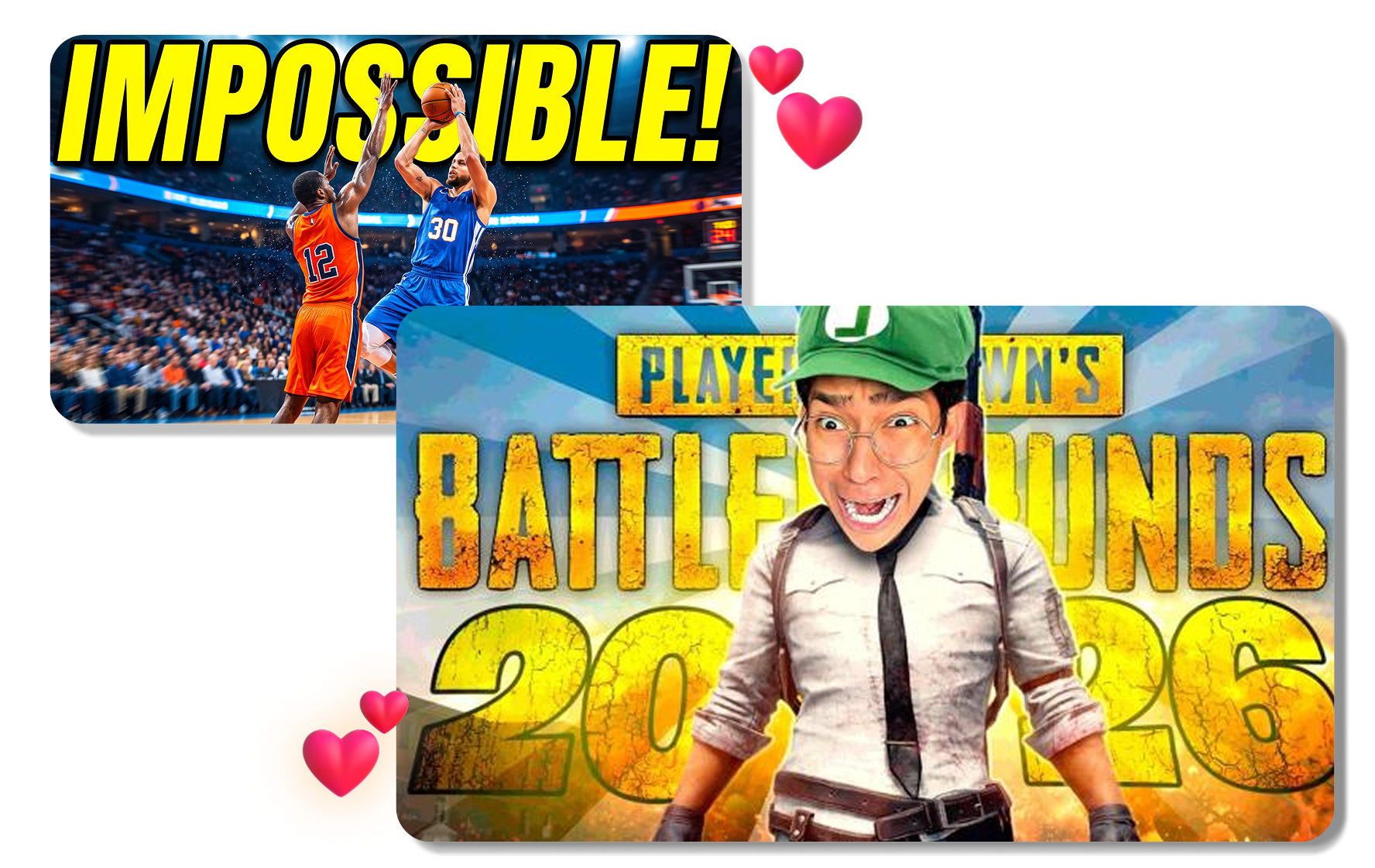
Turn a Starting Layout Into Your Own Cover
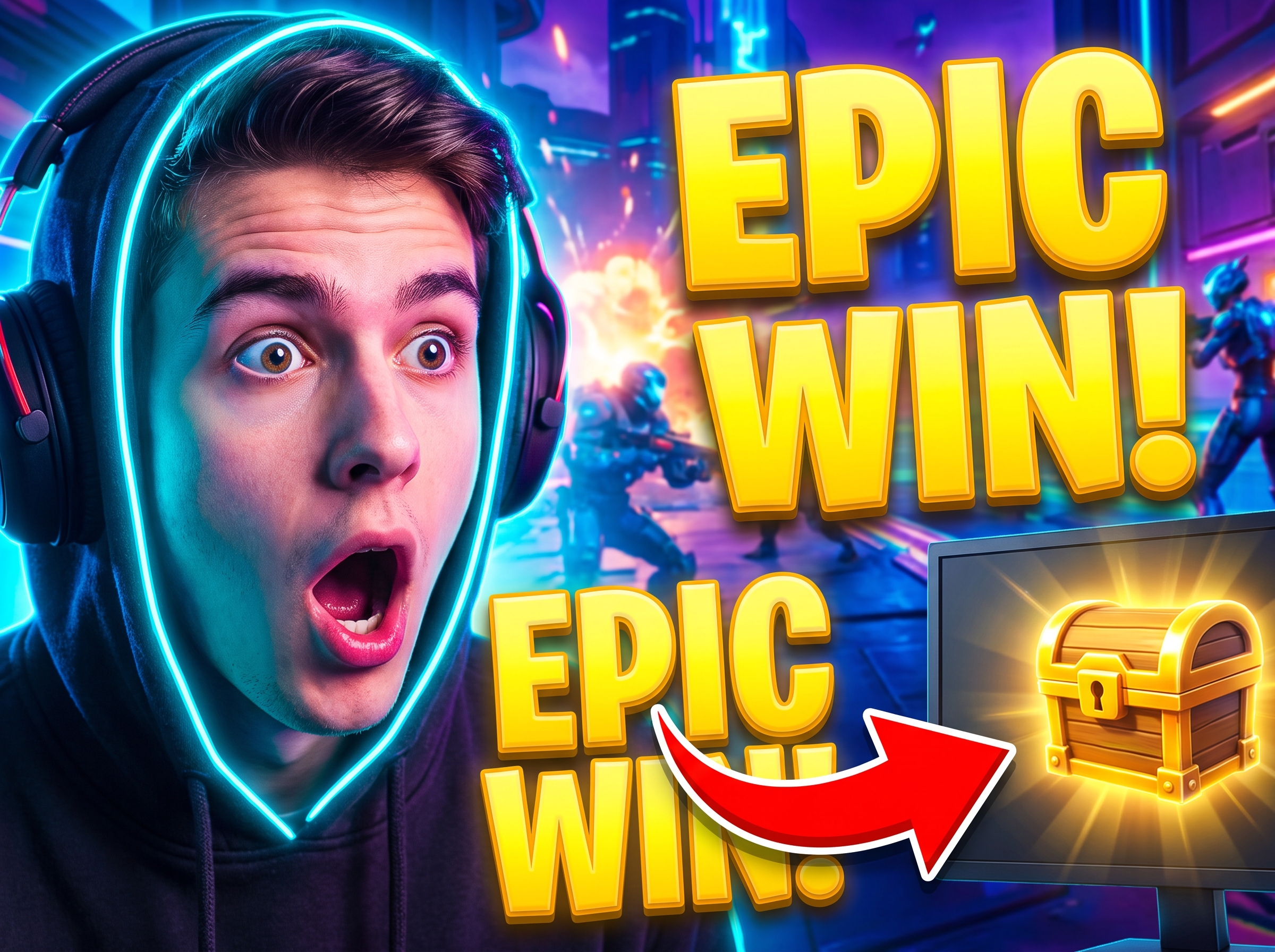
Choose a YouTube thumbnail template in Canva or begin with a blank 1280 × 720 canvas. Use the Canva thumbnail editor to adjust the crop, brightness, contrast, and filters around an uploaded snapshot. Add a short headline, icons, illustrations, and brand colors to complete the Canva design.
Generate a Visual Direction from a Prompt
Canva can generate thumbnail visuals from a short description of your video. Use Magic Media to choose a style, or add a reference image in Dream Lab to guide the look. Open the result in Canva's editor to add a headline and arrange the final design.


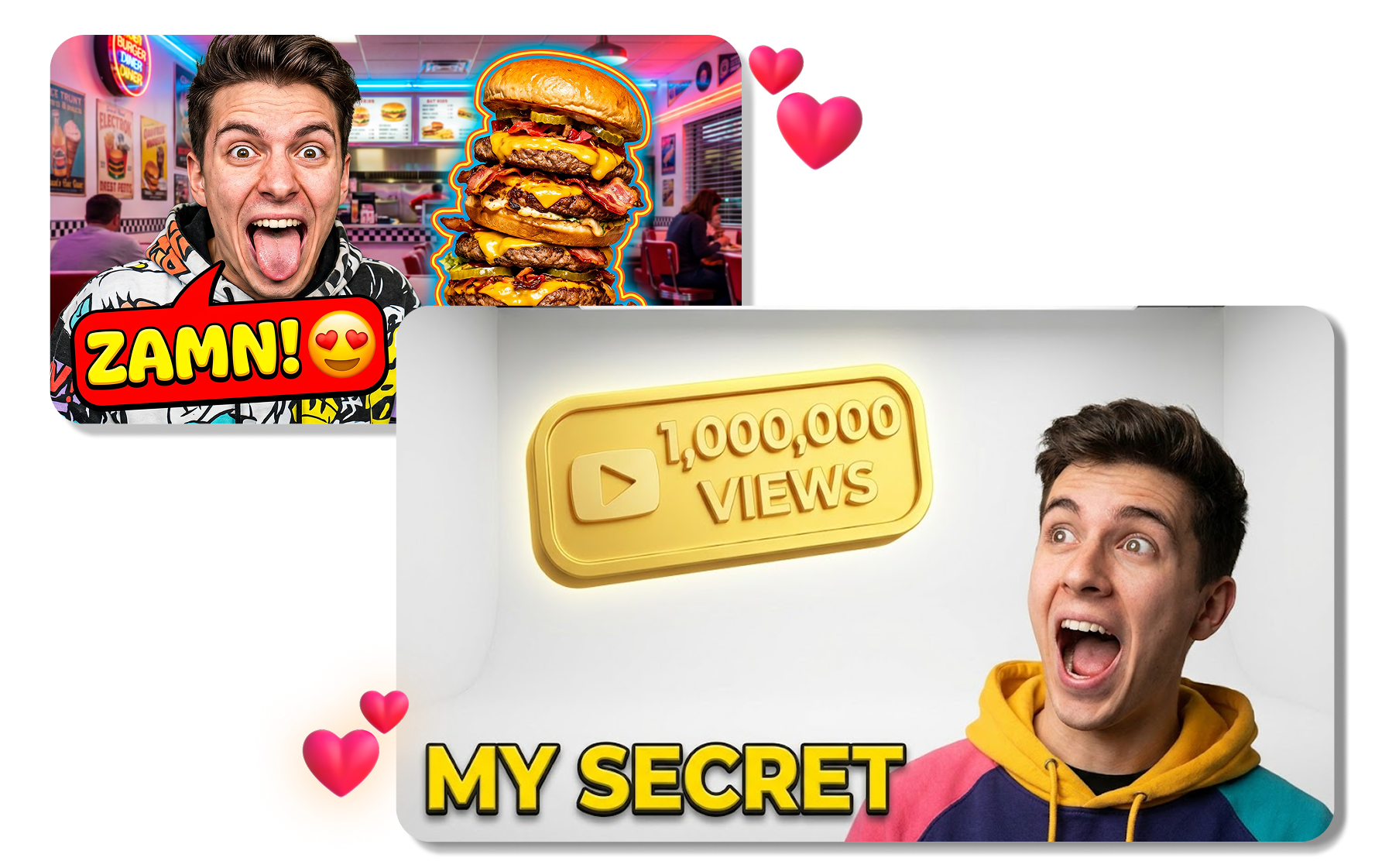
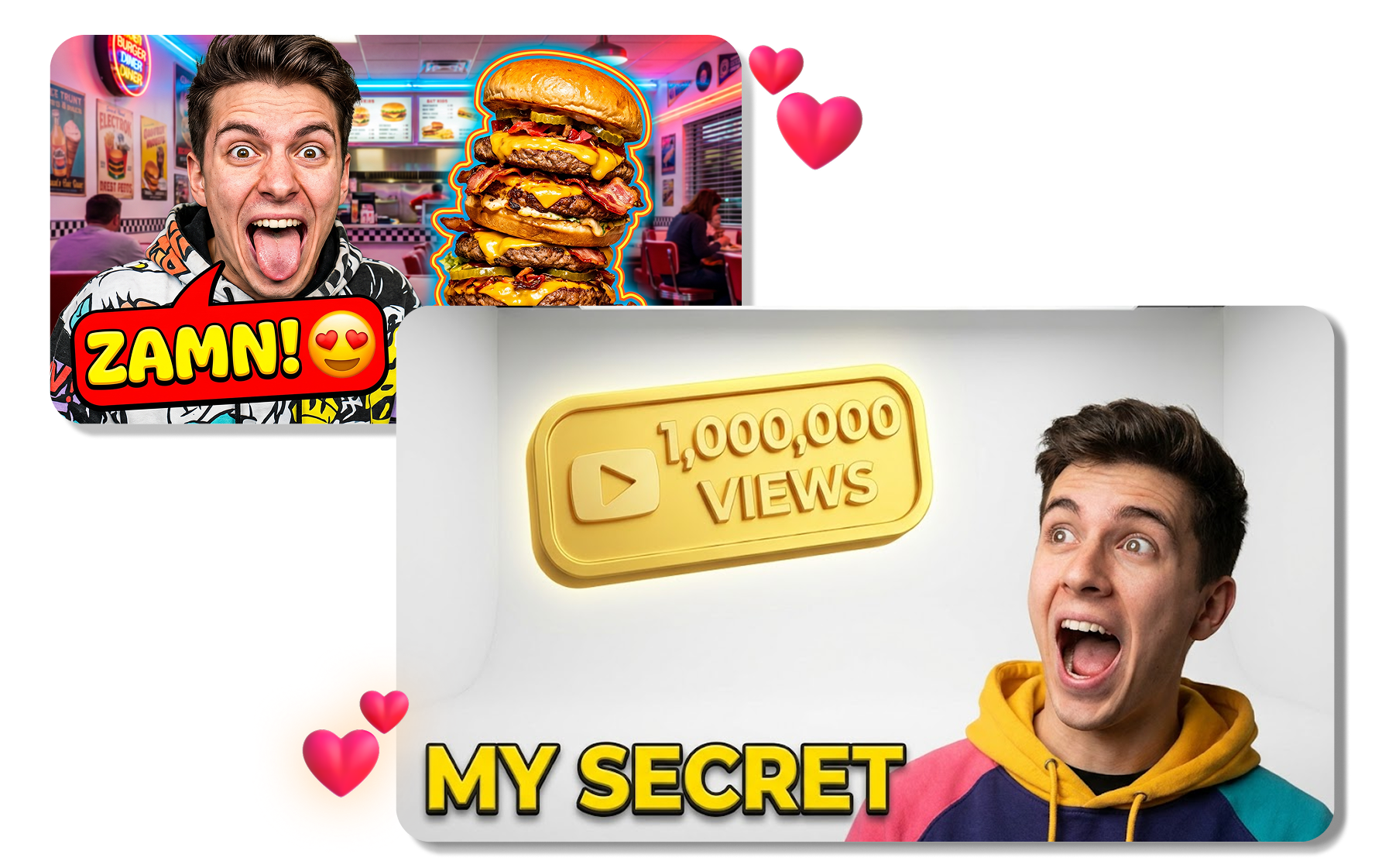
Adapt One Design Into More Versions
Canva thumbnail generator allows one thumbnail design to be adapted through changes to the image, headline, color treatment, or arrangement. Export the finished cover from Canva as a JPG or PNG, or keep the editable design for the next video.
How to Use a Canva Thumbnail Maker in 3 Steps
Use the Canva YouTube thumbnail maker to move from a template, upload, or prompt to a finished video cover.
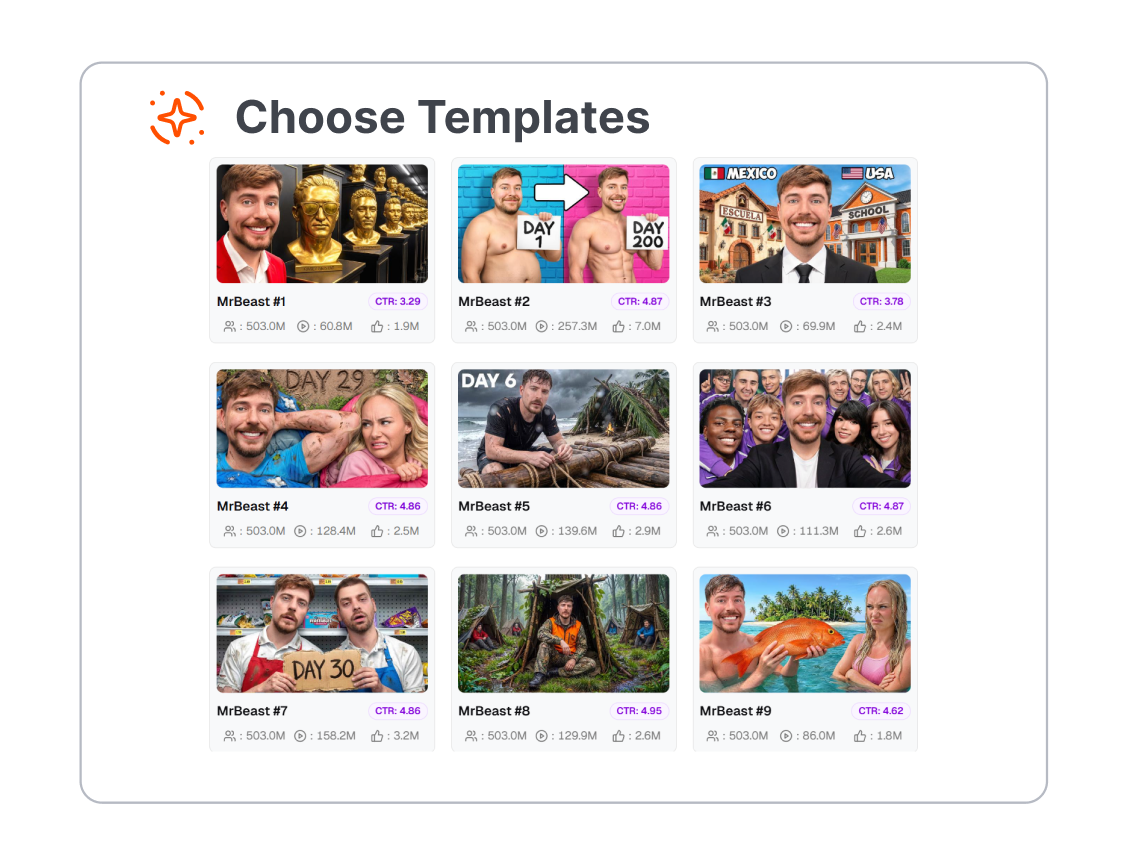
1. Choose Your Starting Point
Open the YouTube Thumbnail design type and select a template or blank canvas. For an AI-led route, describe the thumbnail you want in the Canva AI thumbnail maker.
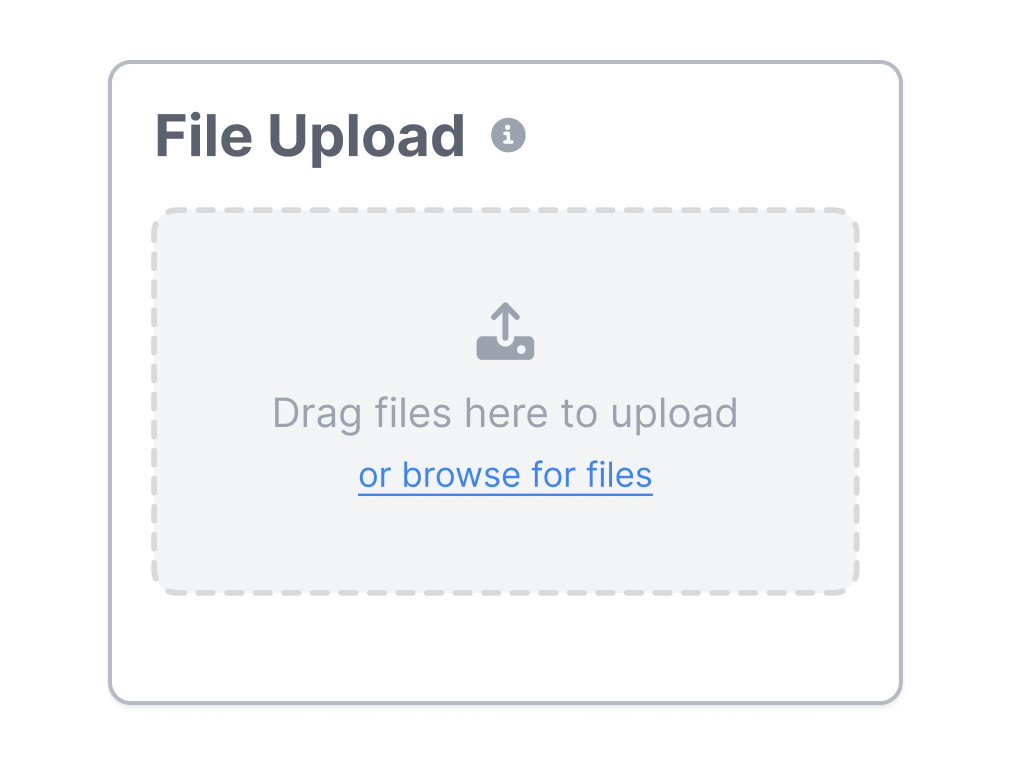
2. Add Your Images and Message
Upload a snapshot or photo, then replace the template text with a concise video hook. Adjust the crop, colors, type, graphics, and effects so the main idea remains clear at a small size.
3. Review and Download
Check the thumbnail at its intended aspect ratio and invite comments if the design needs approval. Download a JPG or PNG, or share the editable Canva design with collaborators.
Canva AI Thumbnail Maker for Every Video Team
Use Canva to create and adapt thumbnail designs across channels, campaigns, clients, and recurring content series.
YouTube Creators
Build covers for tutorials, reviews, gaming videos, vlogs, and channel updates. Reuse a familiar layout while changing the topic, image, and headline for each upload.
Social Video Teams
Create thumbnail concepts for reels and other video posts from a shared visual system. Keep editable versions together so teammates can review and refine the next cut.
Marketers
Package product videos, interviews, webinars, and campaign clips with recognizable brand elements. Adapt the same creative direction for different messages without rebuilding every design from zero.
Designers and Agencies
Turn approved layouts into repeatable starting points for clients or content series. Collect comments in the design and prepare alternate versions before delivery.
FAQs
What is Canva Thumbnail Maker?
What is Canva used for when making thumbnails?
How does the Canva thumbnail creator work?
What templates and design assets are available?
What size and file format should a YouTube thumbnail use?
What is an alternative to Canva for making YouTube thumbnails?
Looking for Another Option? Explore Thumbs.ai as a Canva Alternative.
Explore Thumbs.ai to turn text prompts or uploaded reference images into AI-generated thumbnail variations in a video-focused workspace.