Pikzels AI Thumbnail Generator
Pikzels is an AI YouTube packaging tool for creating thumbnails and matching titles. Start with a prompt or reference, then use a Persona, saved Style, and text-based edits to shape and generate thumbnails around a video concept.

Start with your video link / raw image
Support png, jpeg, jpg, bmp, webp format image



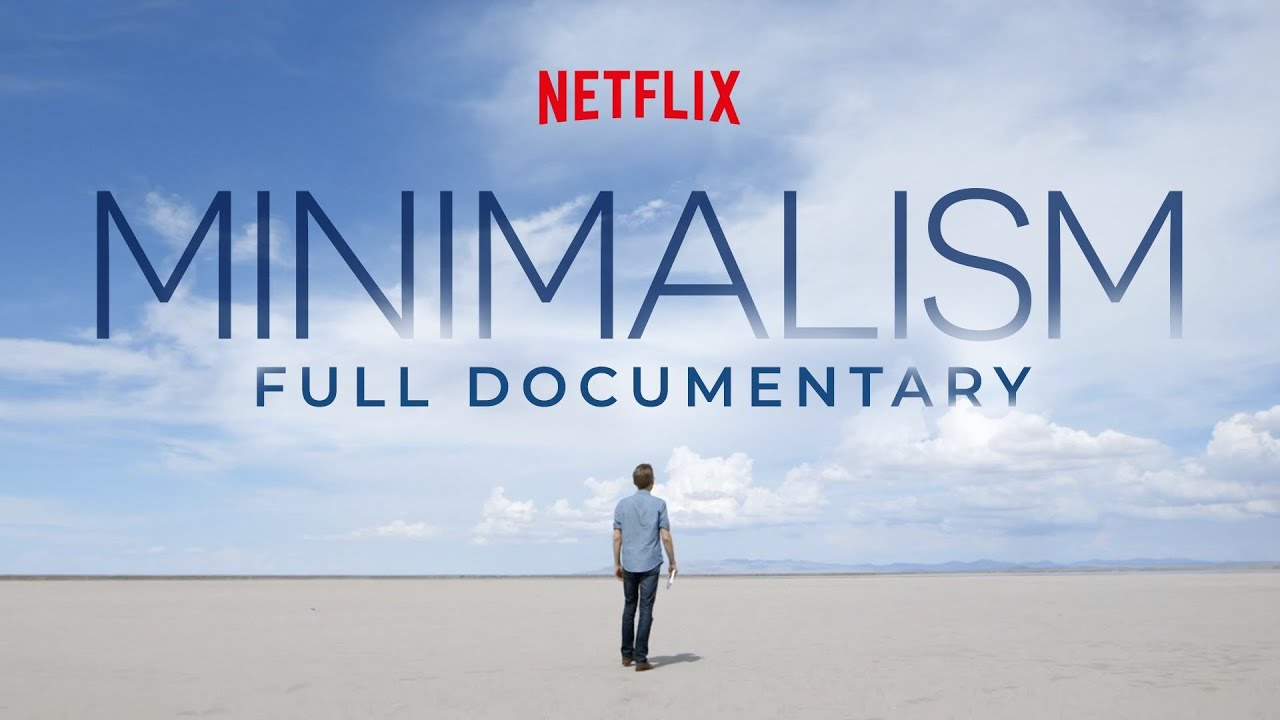
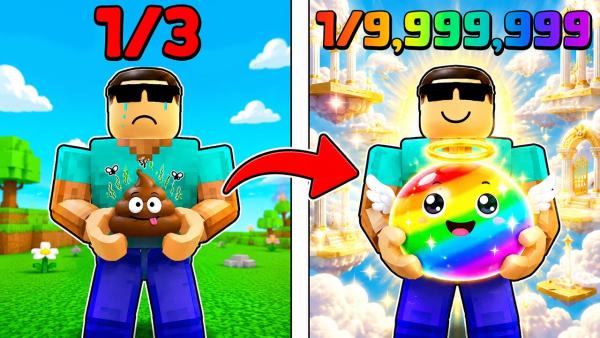

Create & Refine with the Pikzels AI Thumbnail Maker
Pikzels brings thumbnail creation, familiar visual styles, and simple editing tools into one workflow.


Start with an Idea or Reference
Pikzels gives you two ways to begin: Prompt and Recreate. Describe your video when you want a new thumbnail idea. Upload an image or paste a YouTube link when you already have a layout in mind. Change the subject and message to fit your own video.
Reuse a Face or Visual Style
Pikzels includes Persona and Style tools for thumbnails that share a familiar look. Create a Persona from a few clear photos of the same face. Build a Style from thumbnail examples you like. Use either one with Prompt or Recreate in future designs.


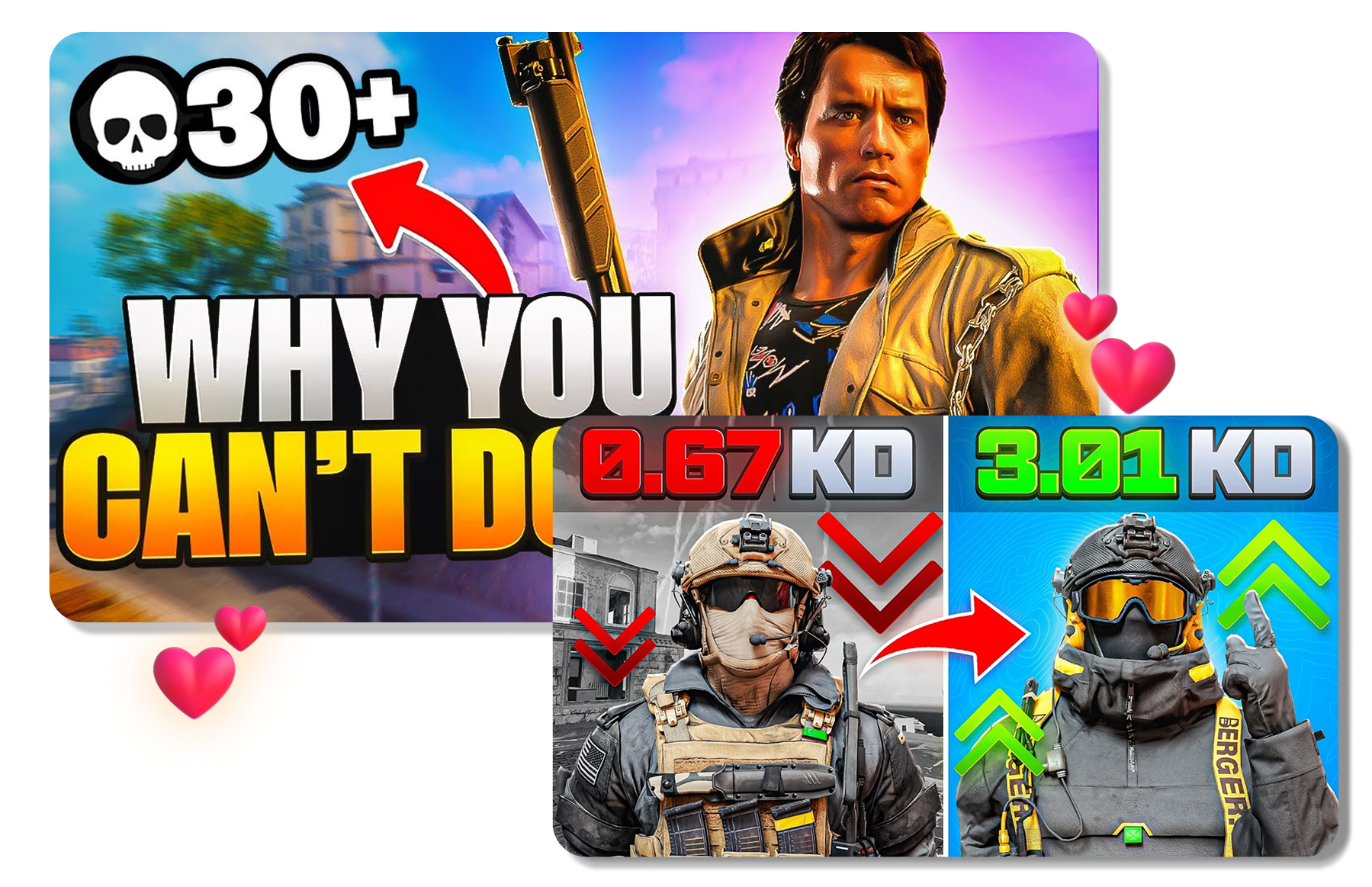
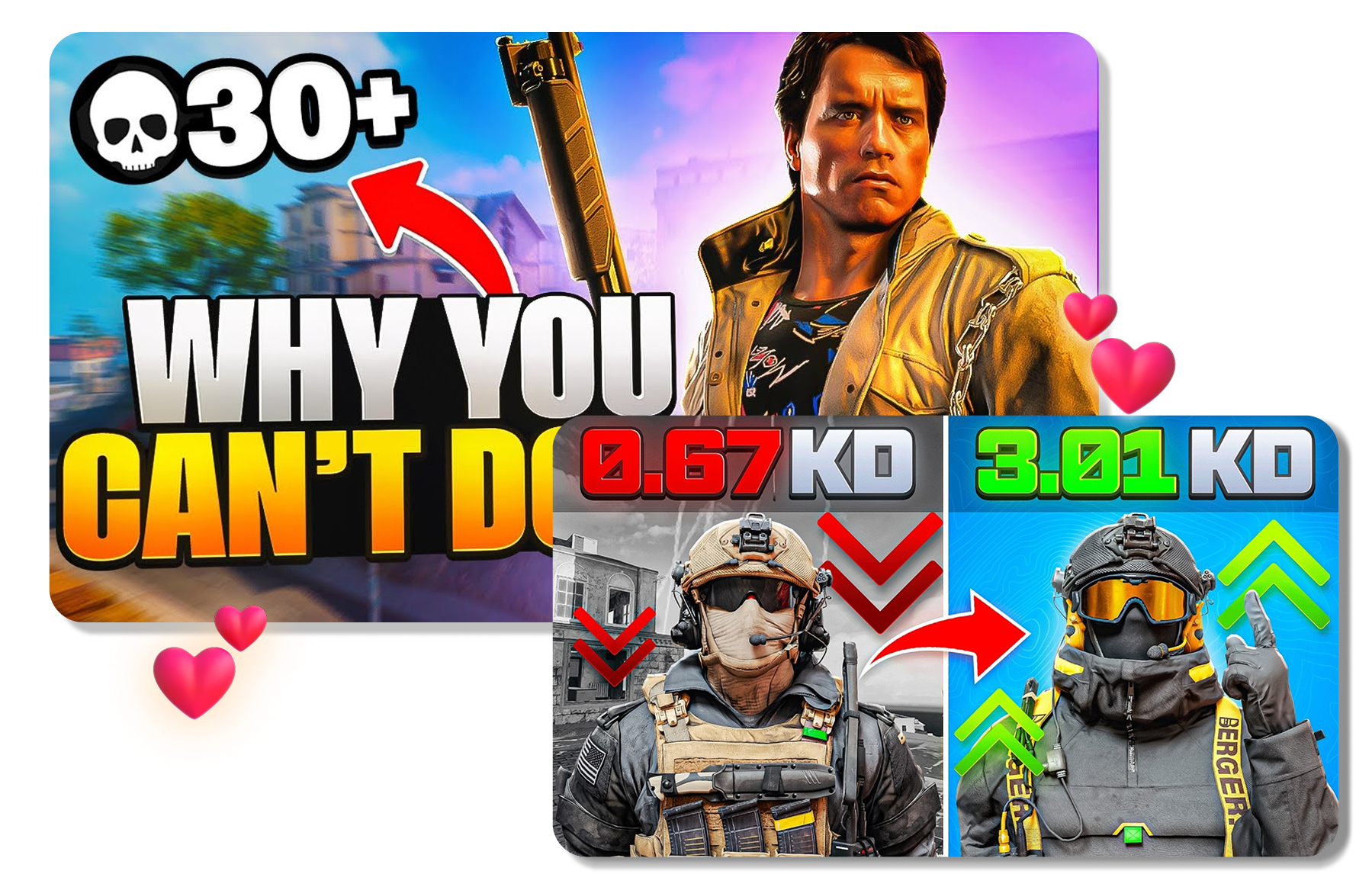
Edit the Thumbnail and Title Together
Pikzels lets you edit a thumbnail, create title ideas, and check them with Pikzels Score. Ask for simple changes to the text, colors, layout, or objects. Add a title and run Analyze to see what may need another look. Use that feedback to make the next change.
Use the Pikzels AI Thumbnail Generator in 3 Steps
Move from a video idea or reference to an edited thumbnail and title package through one focused flow.
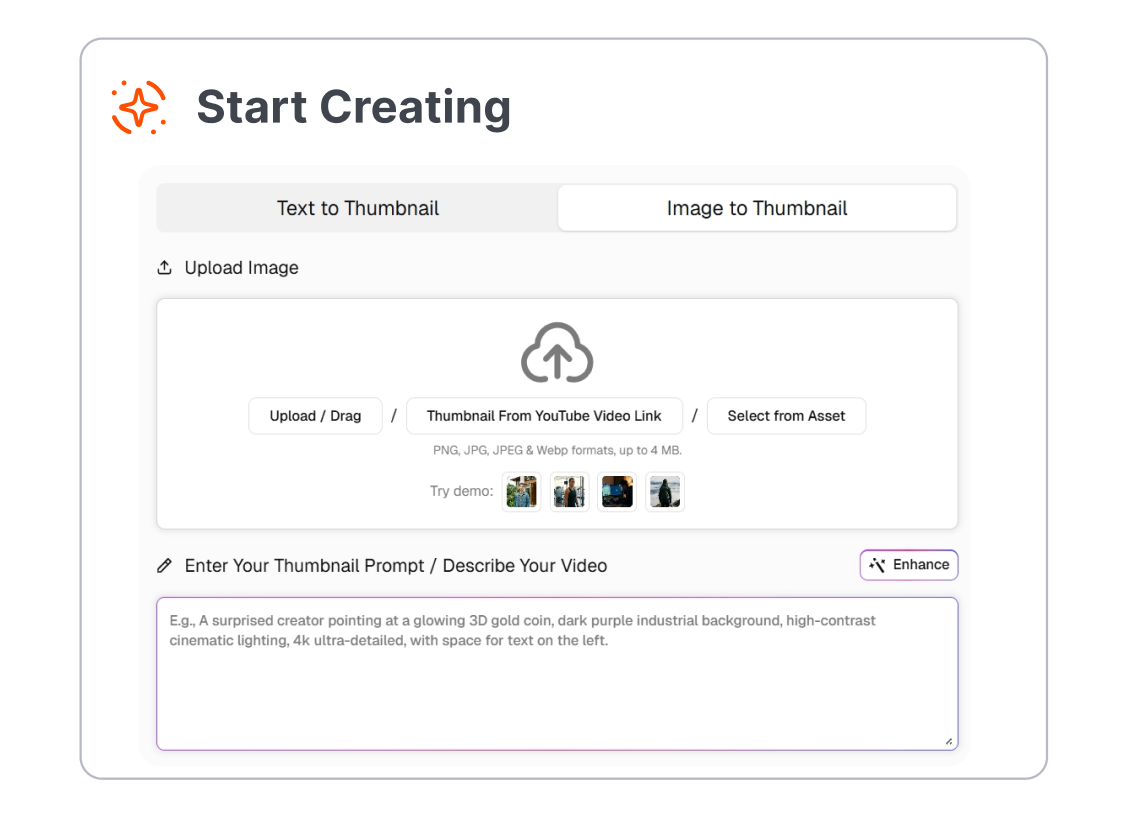
1. Add a Prompt or Reference
Describe the scene and message you want, or provide a thumbnail image or YouTube link in Recreate. Add a support image when the selected model and workflow allow it.
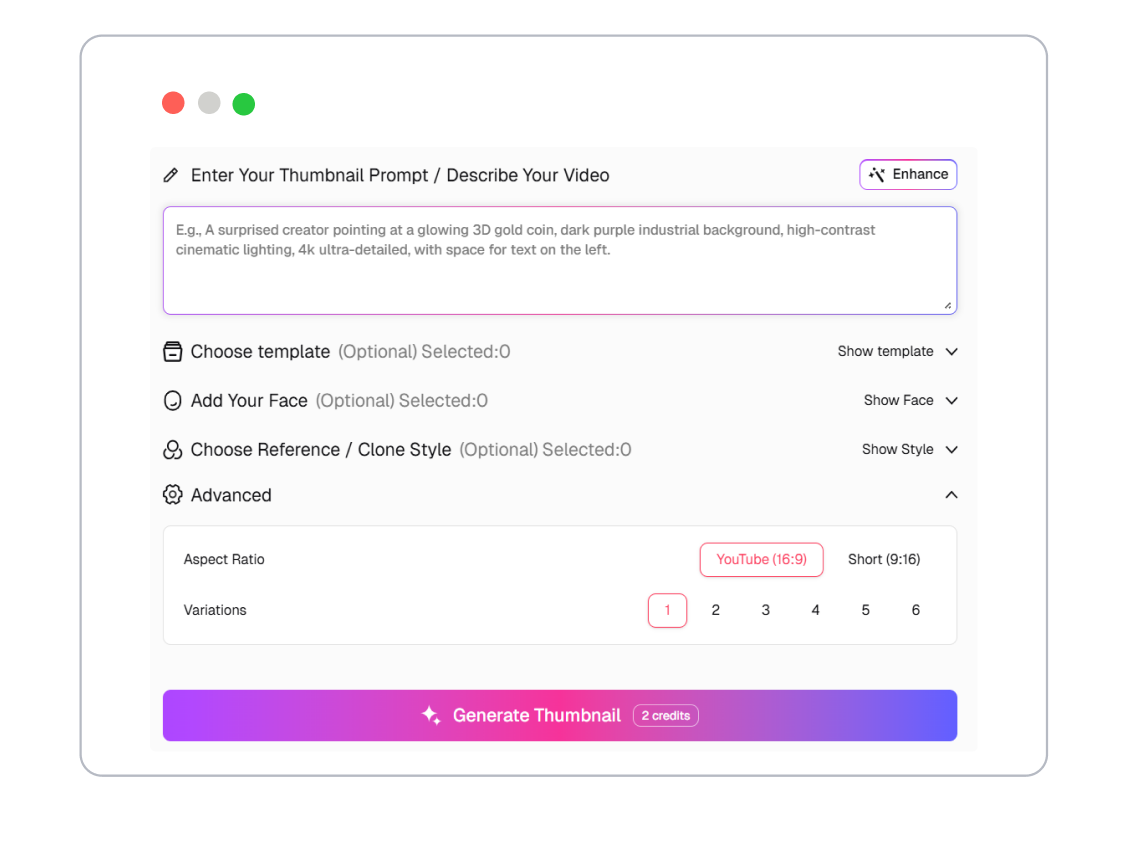
2. Choose a Persona and Style
Select a saved Persona when the thumbnail needs your face, and apply a Style when it should follow a repeatable visual identity. Pick the long-form or short-form format that matches the video placement.
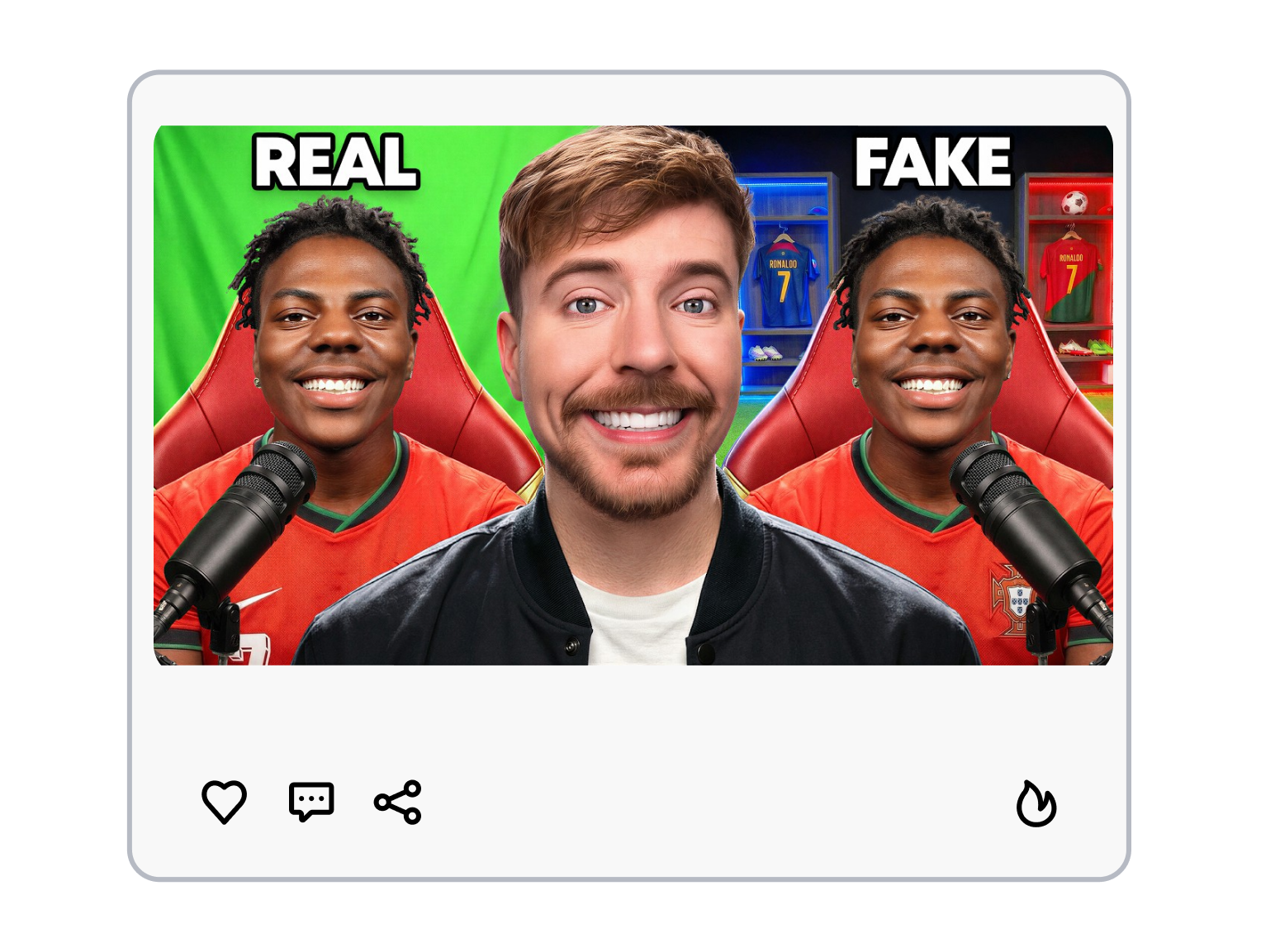
3. Generate, Edit, and Review
Generate one or more directions, then request focused changes in plain language. Pair the preferred thumbnail with a title and review the package in Pikzels Analyze before exporting the final choice.
Pikzels AI Thumbnails for Different YouTube Workflows
Use Pikzels to create, adapt, and review thumbnail directions across individual videos, recurring series, and client channels.
YouTube Creators
Turn a new video idea into a complete thumbnail direction without starting from a blank canvas. Reuse a Persona or Style when uploads need a more recognizable channel identity.
Faceless Channels
Build covers around objects, scenes, characters, or bold visual concepts without making a creator portrait the focal point. Use prompts and references to explore different compositions for the same topic.
Thumbnail Designers
Generate early concepts or adapt a supplied reference into a new creative route. Use text-based edits to explore client feedback before finishing the selected direction.
Agencies and Channel Teams
Create variations for several videos, series, or channel identities within a repeatable workflow. Pair each thumbnail with a working title so the team can review the complete package.
FAQs
What is Pikzels AI Thumbnail Generator?
How does the Pikzels AI thumbnail maker work?
Can Pikzels recreate an existing thumbnail?
Can I use my own face and style?
Can I edit a generated thumbnail?
What is a good alternative to Pikzels?
What is a useful alternative to Viewstats for thumbnail creation?
Looking for Another Option? Explore Thumbs.ai as a Pikzels Alternative.
Explore Thumbs.ai to generate thumbnails from text, images, or YouTube links, create reusable variations, and refine each cover in a thumbnail-focused workspace.